
Seller & Product Flagging (Reporting Abuse)
Flagging lets customers report a seller or a product they find inappropriate, misleading, or in violation of marketplace policy. It gives the admin a moderation tool to keep the marketplace trustworthy, and an automatic warning system (the "red flag") for sellers who attract repeated complaints.
Enabling Flagging
The admin controls flagging from Settings → Configuration → Marketplace → Settings:
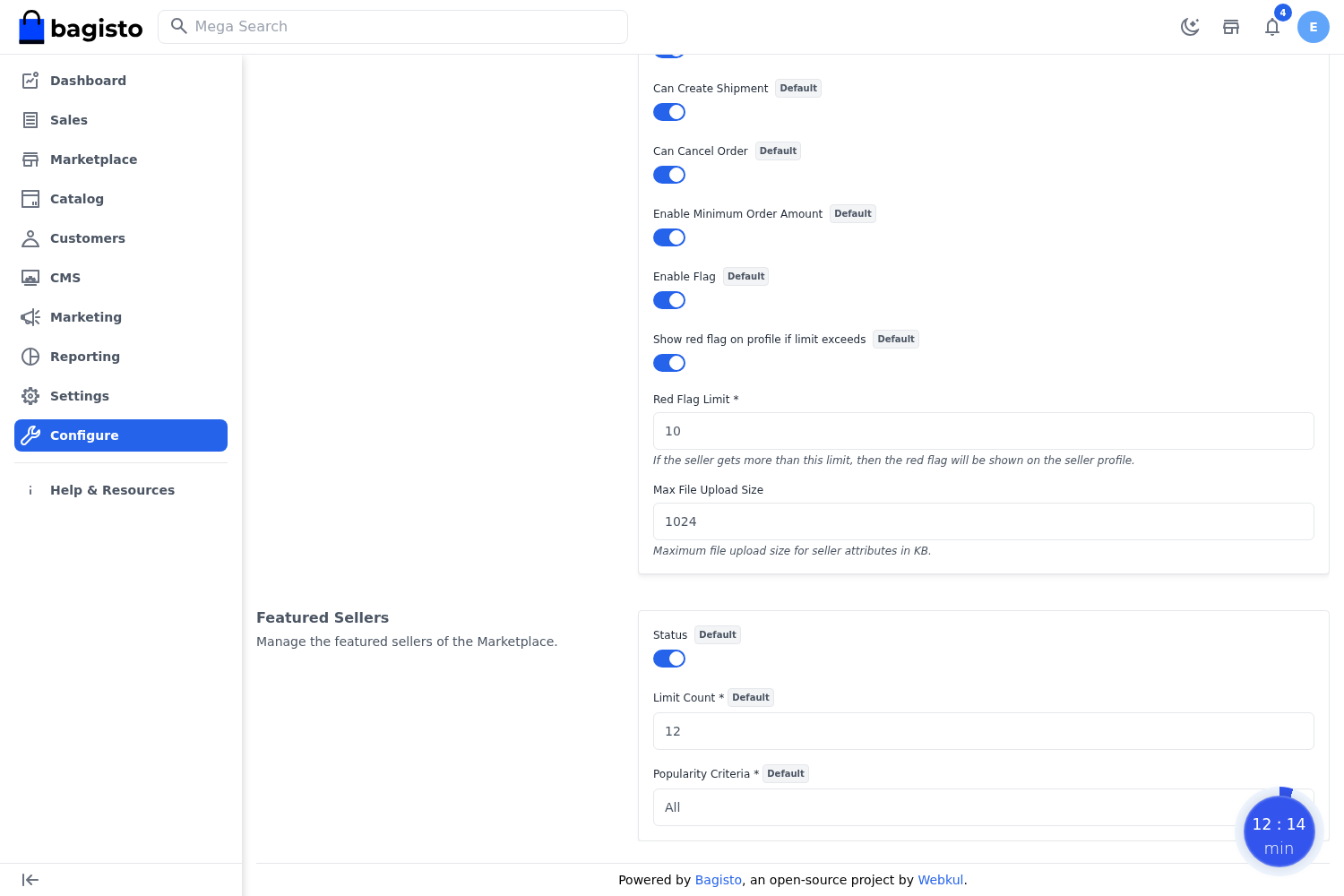
Flag Enabled (Product & Seller settings) — turns the report/flag option on across the storefront.
Show Red Flag — displays a red-flag warning indicator against sellers who exceed the complaint threshold.
Red Flag Limit — the number of flags after which a seller is marked with a red flag.
Flag Reasons (Admin)
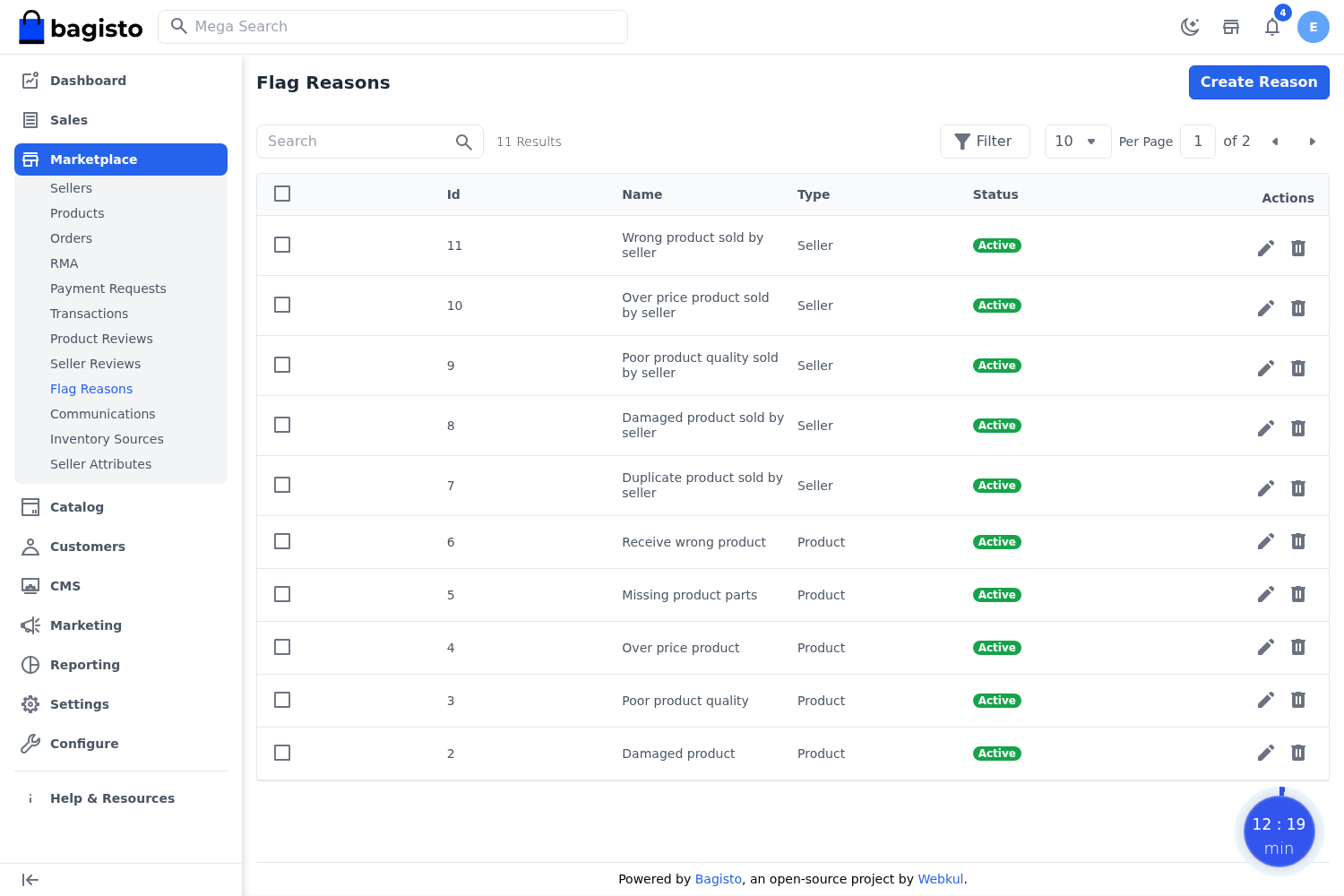
So that customers pick from consistent, meaningful reasons, the admin maintains a list of flag reasons.
Go to Marketplace → Flag Reasons in the admin panel to create, edit, and manage the reasons shown to customers when they report a seller or product (for example Counterfeit product, Misleading description, Inappropriate content).
Reporting from the Storefront
When flagging is enabled, customers browsing the marketplace can:
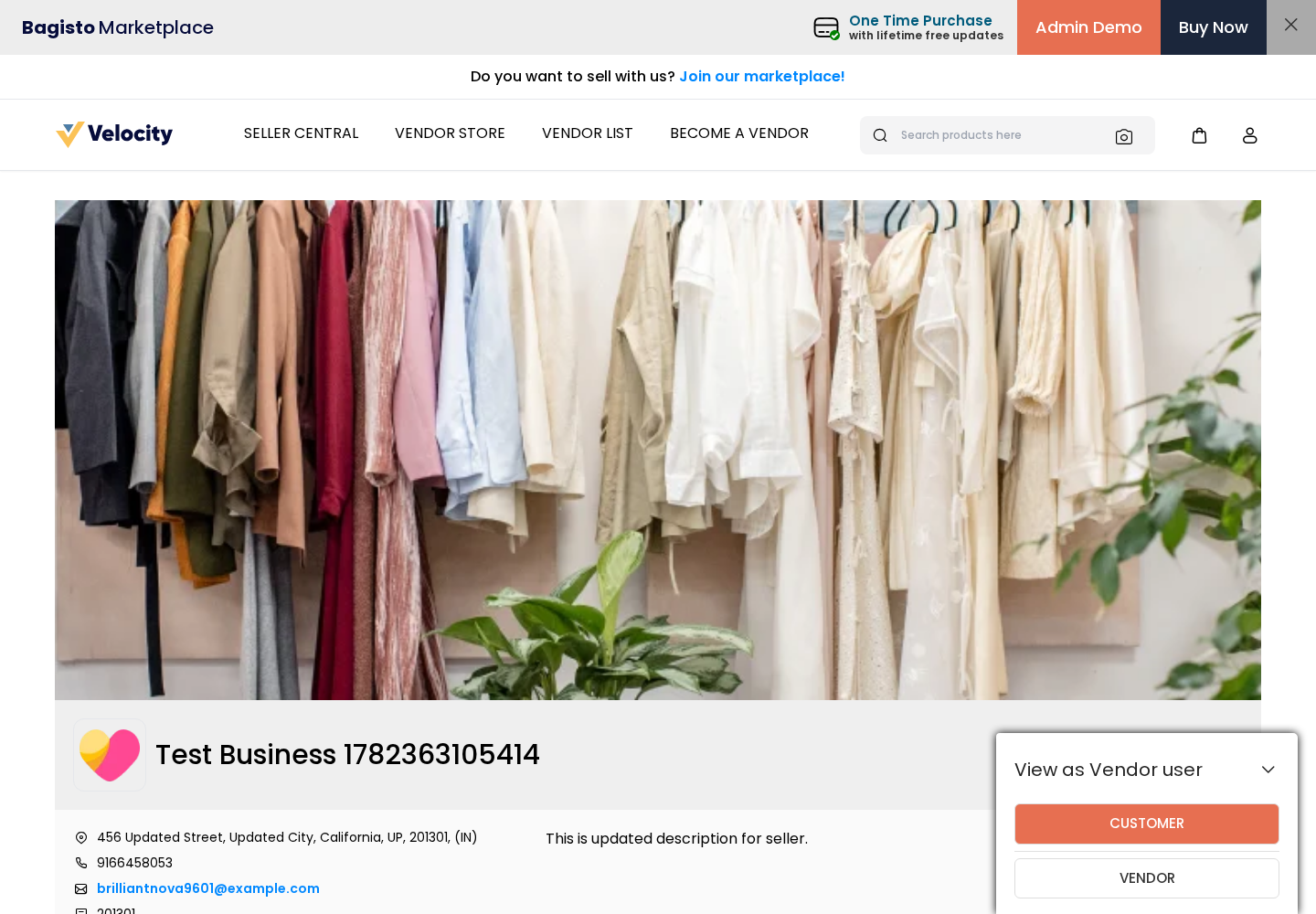
Report a seller from the seller's profile/shop page.
Report a product from the product page.
The customer selects a reason (from the admin-defined list) and submits the report. The flag is recorded against that seller or product.
Admin Moderation & the Red Flag
As flags accumulate, the admin can review reported sellers and products. When a seller's flag count crosses the Red Flag Limit, and Show Red Flag is enabled, the seller is visibly marked with a red flag in the admin listing — a quick signal for the admin to investigate and take action (such as warning, suspending, or removing the seller).
Note: Flagging is a moderation aid for the admin. It surfaces problem sellers and products through customer feedback; the final decision and any action always rests with the admin.