
Attribute
Product attributes of the Image and File types let you upload a file on the product form. The Attribute section sets the largest size those uploads can have.
- Go to Configure >> Catalog >> Products.
- In Attribute, enter the Allowed Image Upload Size (in Kb).
- Enter the Allowed File Upload Size (in Kb).
- Click Save Configuration.
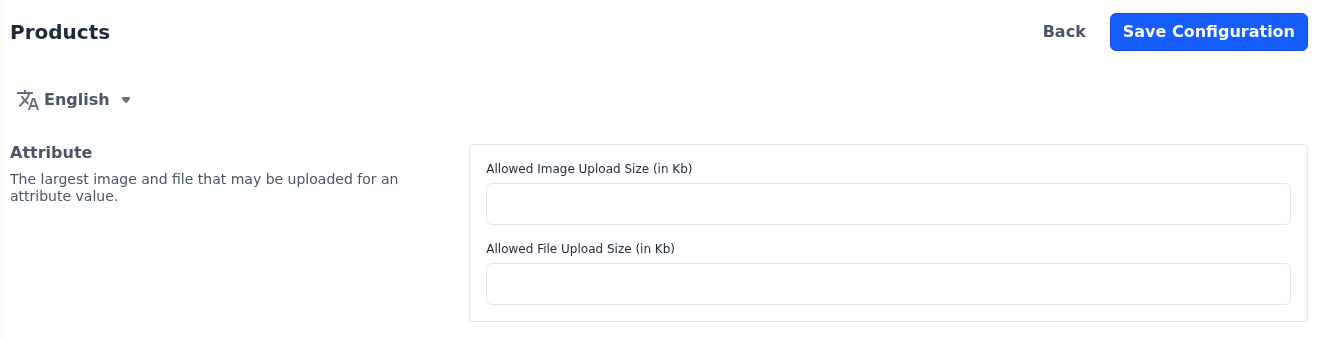
Enter the sizes in kilobytes, so 2048 allows files of up to 2 MB. When no size has been saved, the limit is 2048. Allowed File Upload Size (in Kb) also limits the videos you upload to a product. These settings apply to the whole store.
The attribute types are described in Attribute Input Type.