
Booking Management
Booking management lets sellers track and manage booking-type products — items sold as reservations, appointments, events, rentals, or time slots. Sellers can see every booking placed against their bookable products in one place.
Where to find it
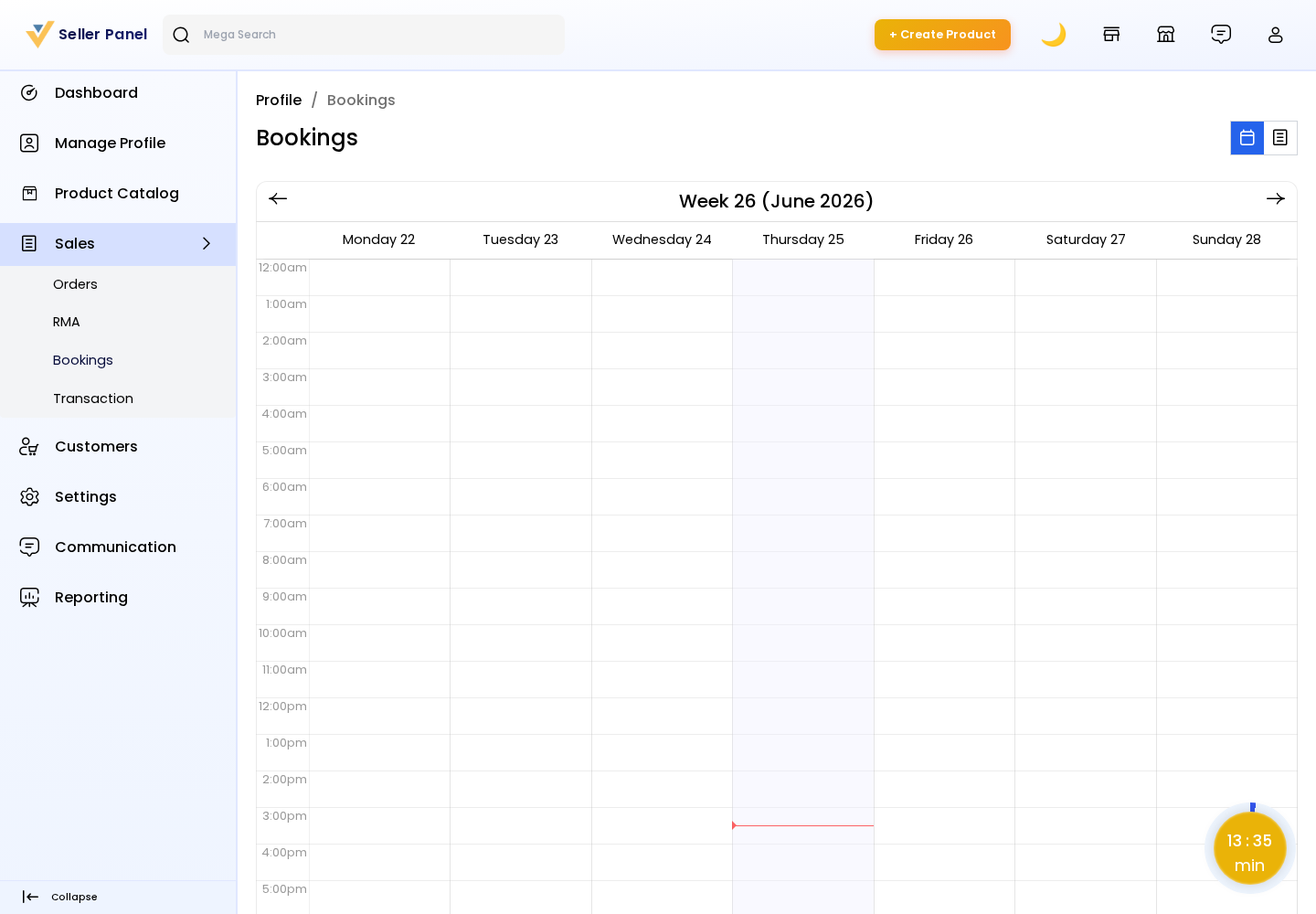
From the seller panel, go to Sales → Bookings.
The Bookings page presents the seller's bookings in two complementary views:
List (DataGrid) view: A searchable, filterable table of all bookings, showing the order, product, customer, booking slot/date, quantity, and status.
Calendar view: A calendar that plots bookings by date so the seller can see upcoming reservations at a glance and avoid scheduling conflicts.
Managing Bookings
From the list, sellers can review the details of each booking — the linked order, the customer, the reserved slot, and its current status — and proceed with fulfilment (invoice/shipment) through the standard order flow under Sales → Orders.
Note: Bookings appear here only for products created with the Booking product type. Configure the bookable options (slots, availability, pricing) on the product edit page when creating a booking product.