
Events
An event is the date a campaign is sent on, such as Black Friday or your store's anniversary. Campaigns use events to decide when to send. Bagisto also includes a Birthday event, which sends a campaign to each customer on their birthday.
Create an event
Go to Marketing >> Communications >> Events.
Click Create Event. The Create Events dialog opens.
Enter the Name.
Enter a Description.
Choose the Date.
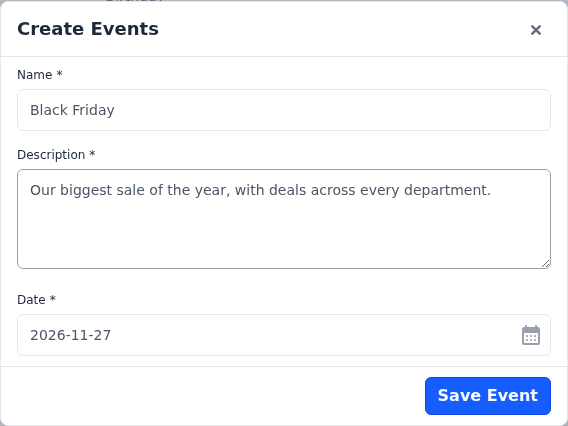
Click Save Event.
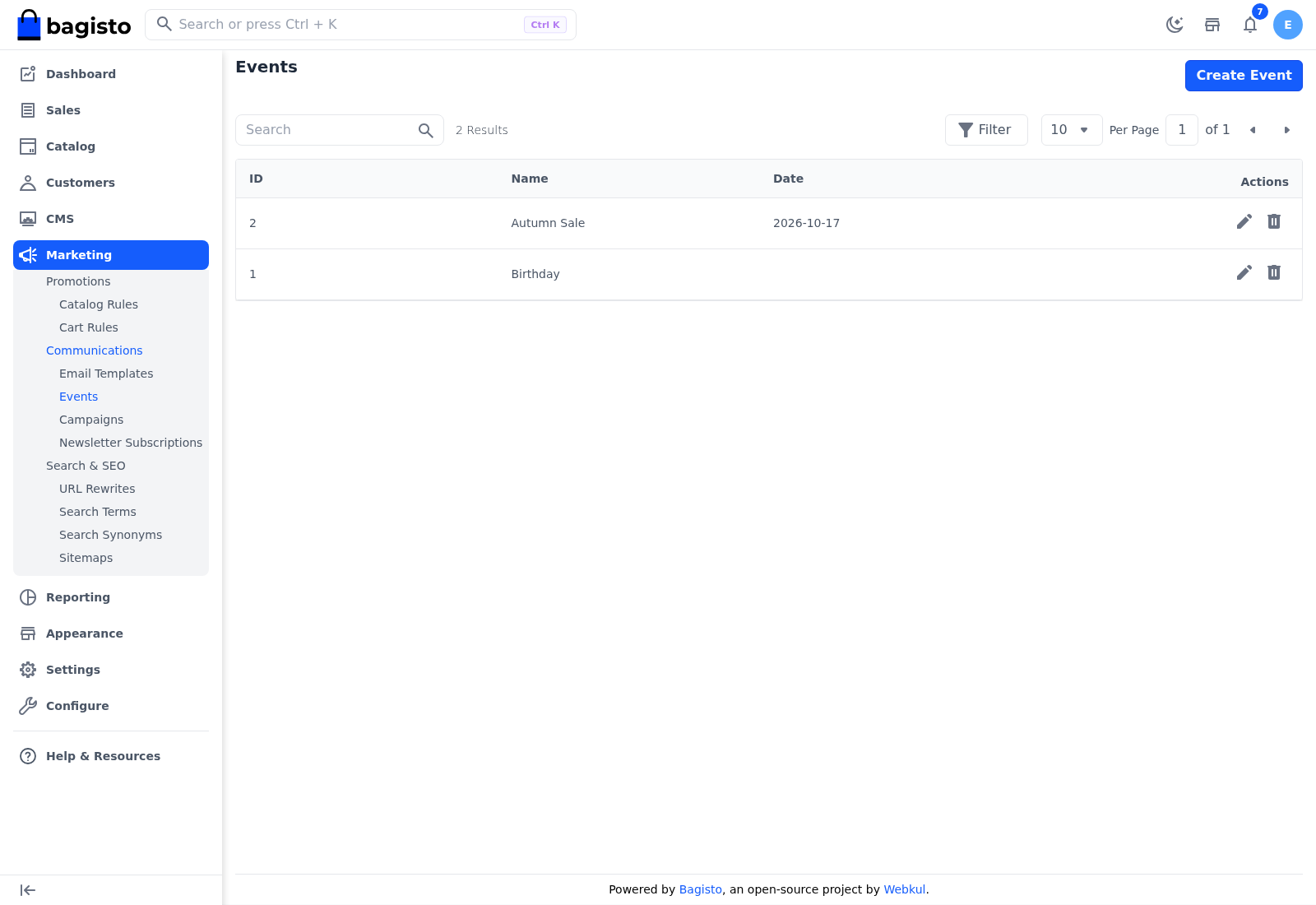
The Events list shows each event's ID, Name and Date, with icons to edit and delete it.
A campaign that uses an event is sent on the event's date. The date includes the year, so for next year's sale, change the date or create a new event. You can't delete an event that a campaign uses; you see "This event is used in one or more campaigns."
The Birthday event
Every store comes with a Birthday event that has no date. A campaign that uses it is checked every day. It's sent to the customers of the campaign's customer group who:
- have a date of birth that falls on today, and
- have the newsletter option switched on in their account.
Keep the Birthday event
You can't edit the Birthday event. Don't delete it: every new event needs a date, so the Birthday event can't be created again.