
Generative AI (Magic AI)
Generative AI helps you write content and create images in the admin panel, and helps shoppers search with a photo, read reviews in their own language and get a thank-you message after an order. In the admin panel these features are called Magic AI, and they are all set up in one place: Configure >> Magic AI. The group has four screens: General, Providers, Admin Features and Storefront Features.
This page covers the setup only. What each feature does, and how to use it, is described in the Generative AI section.

Turn on Generative AI (Magic AI)
Enabled is the master switch for Magic AI. Switch it on before you turn on any feature.
- Go to Configure >> Magic AI >> General.
- In Settings, switch Enabled on.
- Click Save Configuration.

The switch applies to the whole store, not to one channel.
Connect a provider
Magic AI sends each request to the provider of the model it uses. Bagisto supports eight providers, and you only need to connect the ones whose models you plan to use.
| Provider | What to enter |
|---|---|
| Anthropic, DeepSeek, Gemini, Groq, Mistral, OpenAI and xAI | The API Key you create in your account on the provider's website. |
| Ollama | The Base URL of the server that runs your Ollama models, http://localhost:11434 by default. Enter an API Key only if that server asks for one. |
Before you start, create an API key in your account on the provider's website.
- Go to Configure >> Magic AI >> Providers.
- In the provider's section, enter the API Key.
- For Ollama, enter the Base URL of your Ollama server.
- Click Save Configuration.
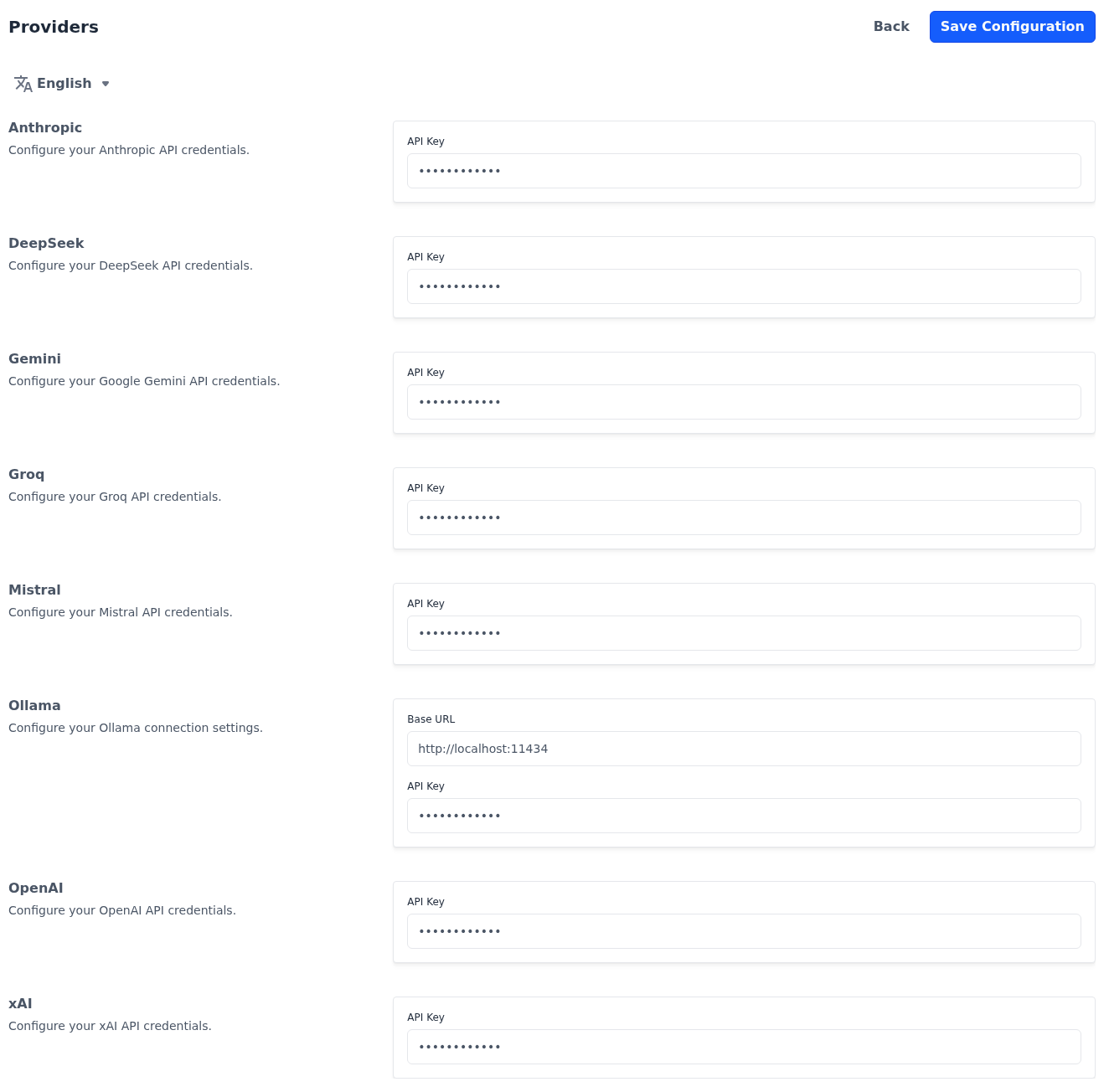
Keys are masked on the screen. Provider settings apply to the whole store.
Enable the admin features
The admin features help you write and illustrate content while you work in the admin panel. Nothing they produce is added until you click Apply.
| Section | What it does |
|---|---|
| Text Generation | Makes the Magic AI button in the toolbar of the rich-text editors clickable, in editors such as product and category descriptions and CMS pages. While the feature is off, the button is greyed out. You describe what you need, choose a model and generate the text. See Generate text content. |
| Image Generation | Adds a Magic AI tile beside Add Image in the image fields of the admin panel, such as product and category images. You describe the image, choose a model and generate it. See Generate product images. |
- Go to Configure >> Magic AI >> Admin Features.
- In Text Generation, switch Enabled on.
- In Providers, choose the providers whose text models admins can pick from.
- In Image Generation, switch Enabled on.
- In Providers, choose the providers whose image models admins can pick from: Gemini, OpenAI or xAI.
- Click Save Configuration.
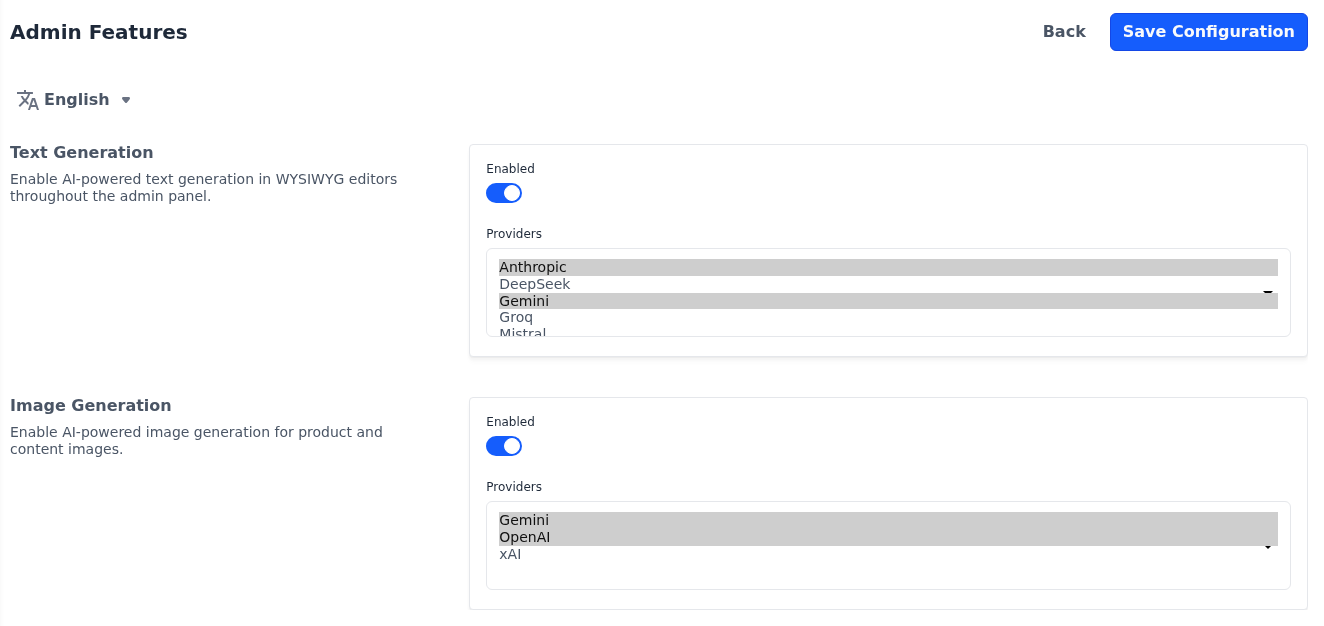
The model list in each dialog shows only the models of the providers you choose here, so choose at least one provider whose key you have saved. The admin features apply to the whole store.
Roles don't limit these features. While they're on, every admin user who can open a rich-text editor or an image field can use the Magic AI button and tile, and each request is charged to your provider account.
Enable the storefront features
The storefront features respond to what a shopper does: searching with a photo, reading a review or placing an order. Each is set per channel.
| Section | What it does |
|---|---|
| AI Image Search | When a shopper searches with a photo, a model identifies the product in it, and the store searches the catalog for the first keyword the model suggests. The camera icon in the search bar comes from Image Search Option under Product Settings, which must also be on. Without AI image search, photo search still works, using basic image recognition in the shopper's browser. See AI image search. |
| Review Translation | Adds a Translate button to each review on the product page. It translates the review into the language the shopper is browsing in. See Review translation. |
| Personalized Checkout Message | Shows a thank-you message written for each order on the order confirmation page, based on the products ordered, the customer's name and the store's name. If the model can't be reached, the page shows its standard thank-you text instead. See Personalized checkout message. |
- Go to Configure >> Magic AI >> Storefront Features.
- If your store has more than one channel, choose the channel at the top of the screen.
- In the section of each feature you want, switch Enabled on.
- Choose the Model the feature uses.
- Click Save Configuration.
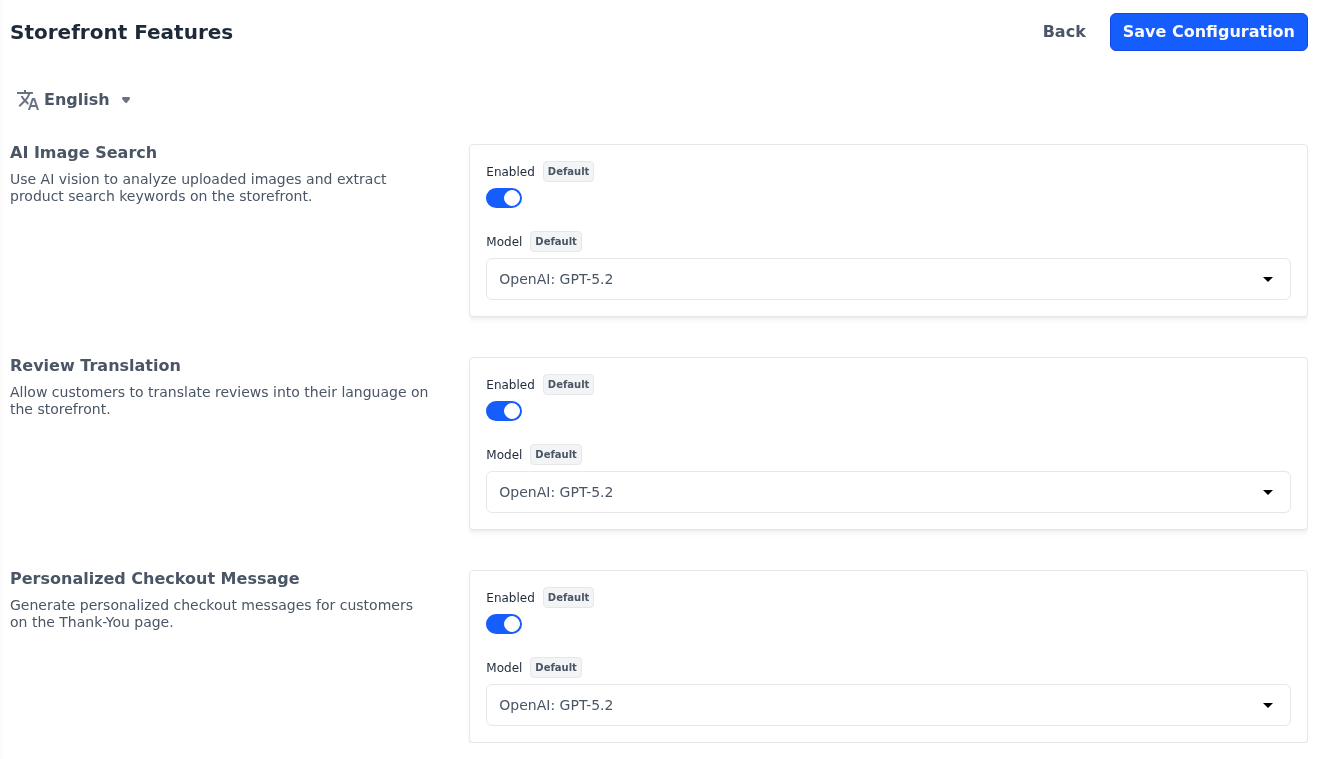
Choose a model from a provider whose key you have saved. Until a Model is saved, the feature uses a default OpenAI model, which needs an OpenAI key.
AI Image Search and Personalized Checkout Message work only while Enabled is also on under General. To stop review translation, switch Review Translation off: switching off Enabled under General doesn't hide the Translate button.