
Customer Management
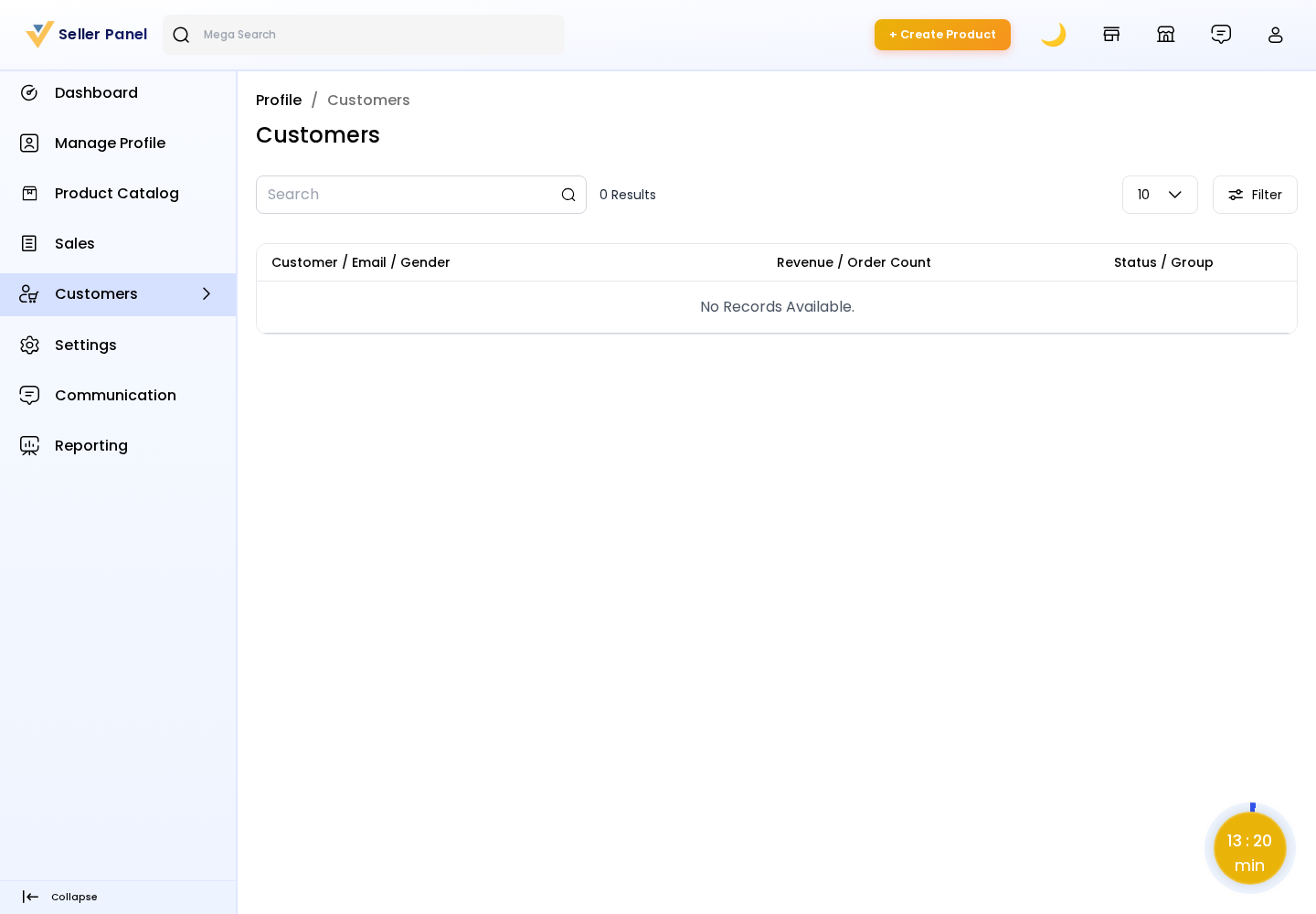
The Customers section gives sellers visibility into the buyers who have purchased from their store. It helps sellers understand who their customers are and how valuable they are, supporting better service and follow-up.
Where to find it
From the seller panel, open the Customers menu.
The page lists the seller's customers in a searchable, sortable DataGrid showing key details such as:
- Name — the customer's name.
- Email — the customer's email address.
- Gender — the customer's gender (if provided).
- Group — the customer group they belong to.
- Orders — the number of orders the customer has placed with this seller.
- Revenue — the total revenue the customer has generated for this seller.
Using the list
Sellers can filter and sort the list to identify their most active or highest-value customers, then use the marketplace Communication feature to message them directly when needed.
Availability: Seller access to customer details is controlled by the admin configuration Seller → Can View Customers. If the admin disables it, the Customers section is not available to sellers.
Note: Each seller sees only the customers who have ordered from their own store; customer data is always scoped to the seller.