
Shipping Settings
The shipping origin is the address your orders ship from. Bagisto uses it to calculate tax when Calculation Based On is set to Shipping Origin under Taxes, and prints your store's name, address and bank details from this screen on invoice PDFs.
Set the shipping origin
- Go to Configure >> Sales >> Shipping Settings.
- If your store has more than one channel or language, choose them at the top of the screen.
- In Origin, fill in the settings described below.
- Click Save Configuration.
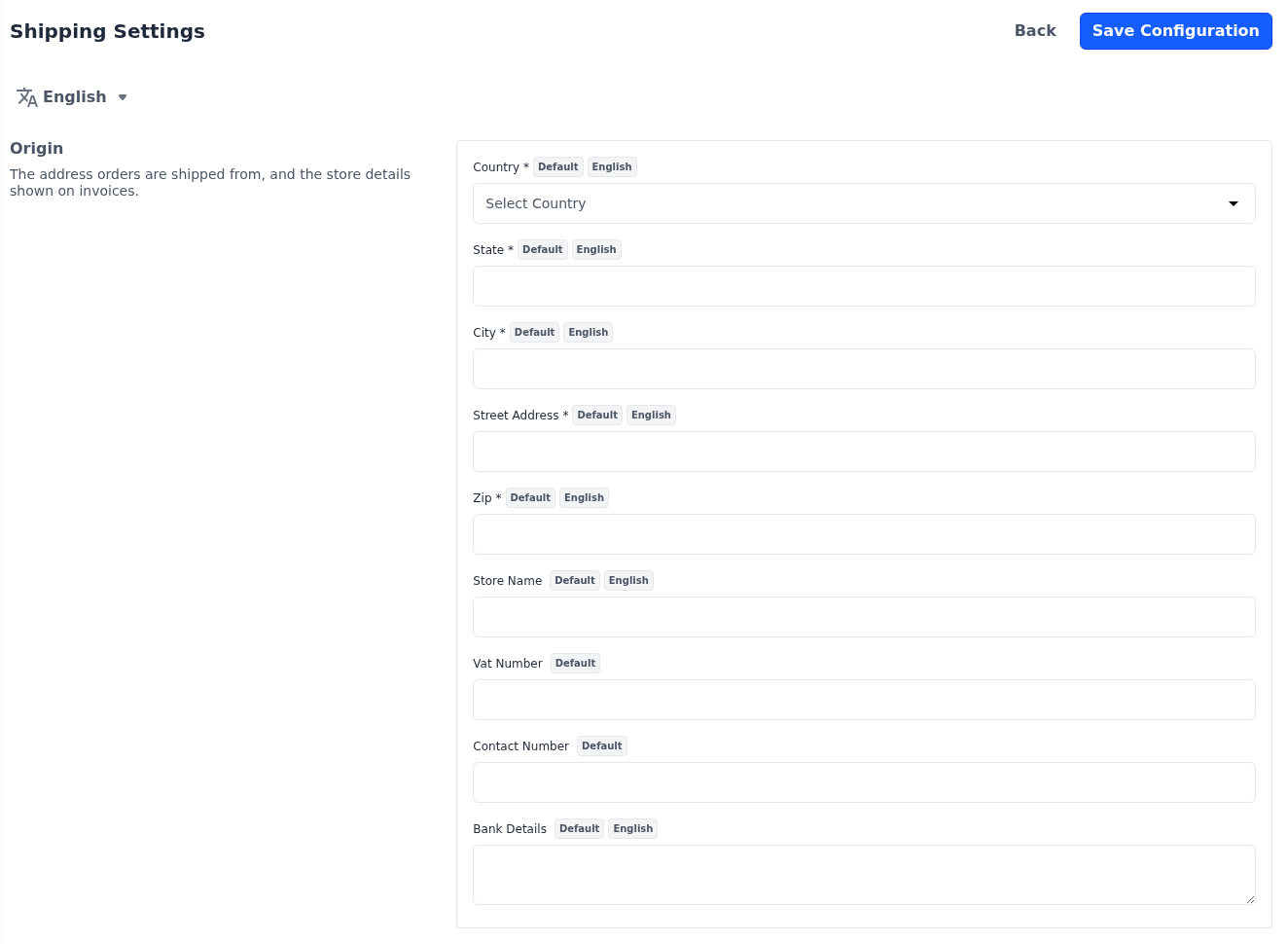
| Setting | What it does |
|---|---|
| Country, State, City, Street Address and Zip | The address you ship from. All five are required, and Zip must be a valid postcode. |
| Store Name | The store name printed above the address on invoice PDFs. |
| Vat Number | Your store's VAT registration number. It's saved with your store details, but isn't printed on invoices. |
| Contact Number | Your store's phone number, which must be a valid phone number. It's saved with your store details, but isn't printed on invoices. |
| Bank Details | Your bank account details, printed on invoice PDFs. |
All settings are per channel. Everything except Vat Number and Contact Number is also per language.
The shipping methods shoppers choose from are set under Shipping Methods.