
Featured Sellers
Featured Sellers lets the admin highlight top-performing vendors on the storefront. This gives buyers a curated shortcut to trusted, popular sellers and rewards vendors for strong performance — encouraging healthy competition across the marketplace.
Where to configure it
The admin sets this up from Settings → Configuration → Marketplace → Settings → Featured Sellers.
Configuration options
Status: Enable or disable the Featured Sellers section on the storefront.
Limit Count: The maximum number of sellers to feature (how many appear in the section).
Popularity Criteria: How featured sellers are chosen automatically:
- All — consider overall popularity.
- Maximum Orders — feature the sellers with the most orders.
- Maximum Products — feature the sellers with the most products listed.
- Maximum Rating — feature the highest-rated sellers.
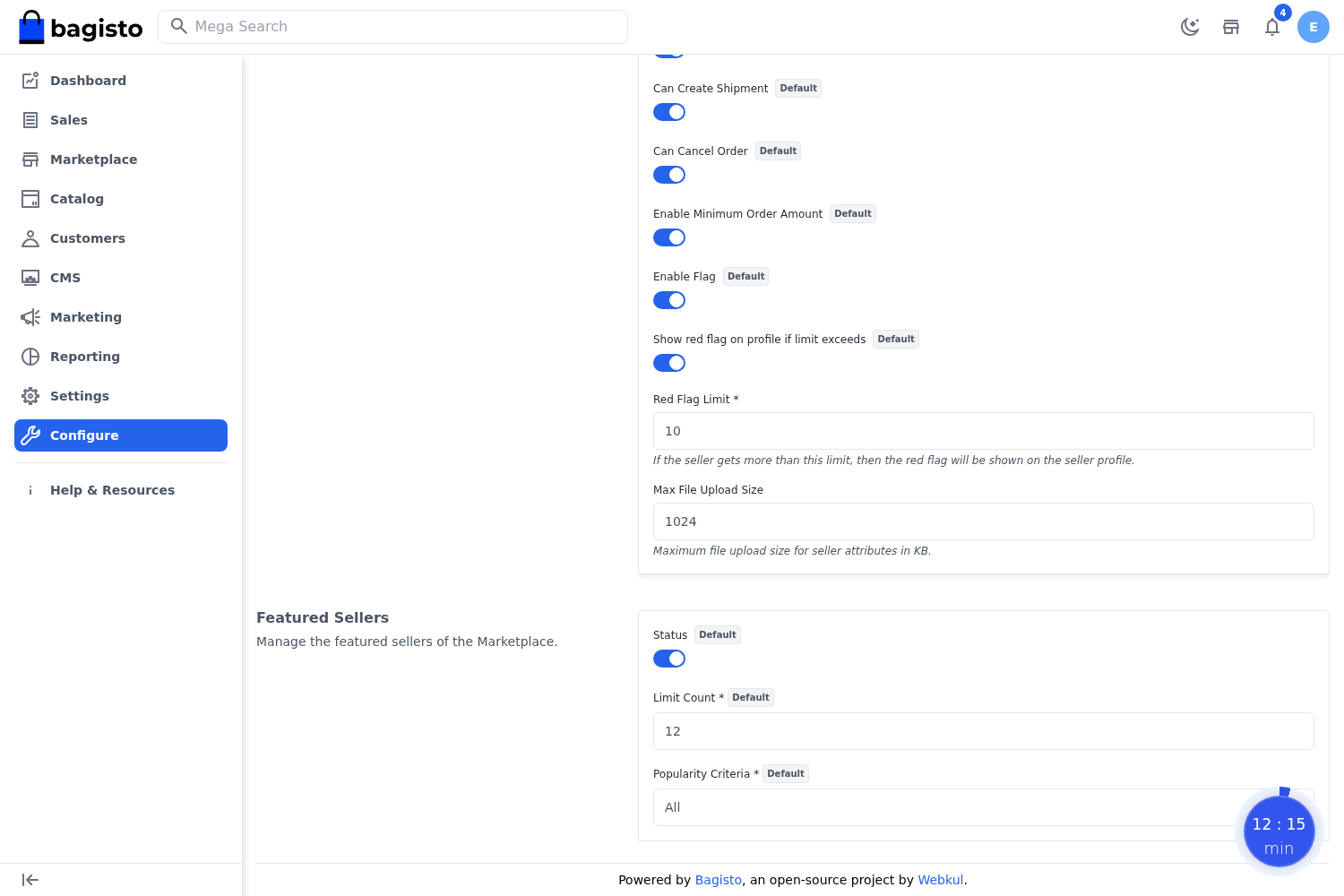
After choosing the criteria and limit, save the configuration. The storefront then displays the qualifying sellers in the Featured Sellers section.
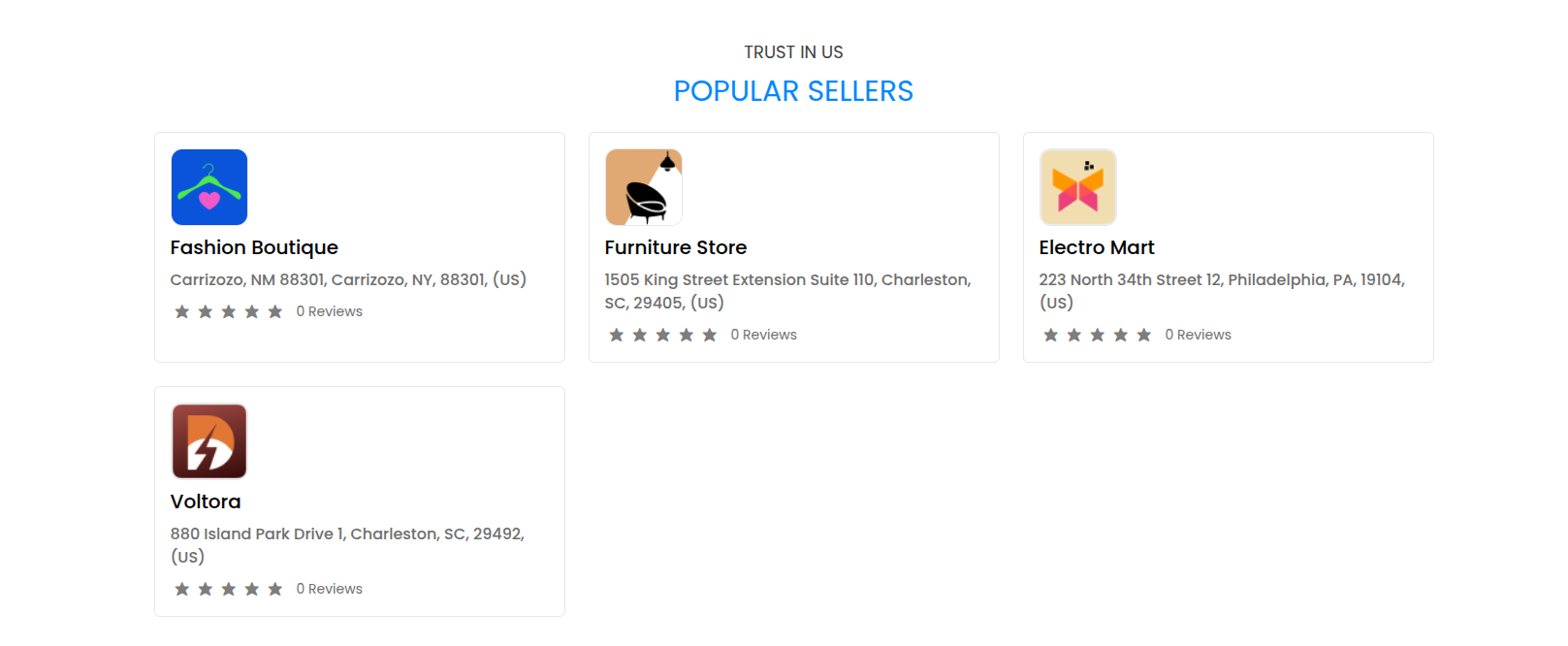
Note: Because the selection is driven by live performance data (orders, products, or ratings), the featured list updates automatically as sellers' metrics change — no manual curation is required.