Request for Quote (RFQ)
The Request for Quote (RFQ) feature allows companies to request custom pricing, negotiate rates, and discuss bulk purchases directly with the store administrator.
Note: The RFQ feature is available only for signed-in company customers.
Steps to Create a Quotation Request
Step: 1 Navigate to any product page and add the desired product(s) to your cart.
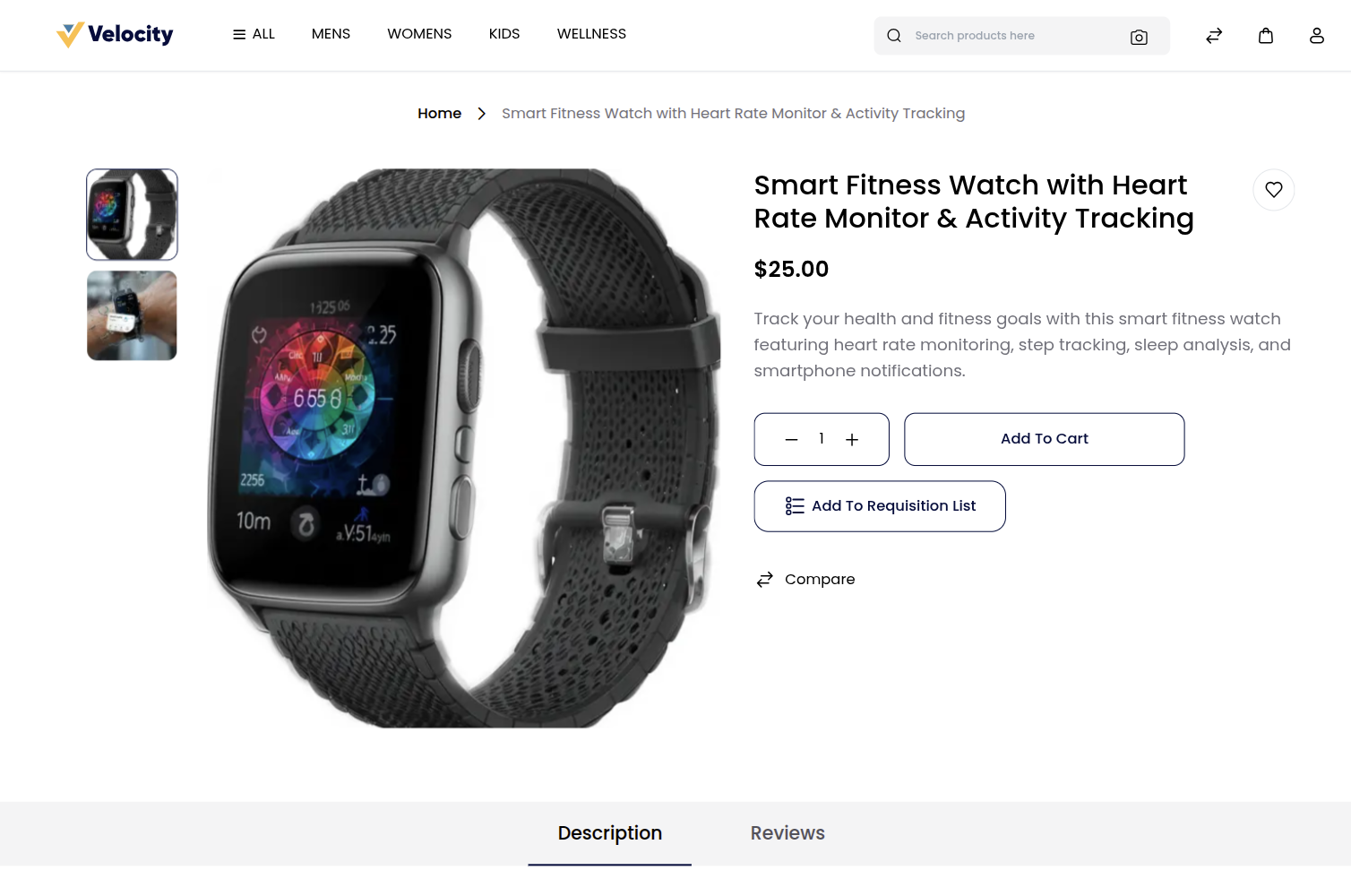
Step: 2 Request a quote from the Cart page:
1) Go to the Cart page from the storefront.
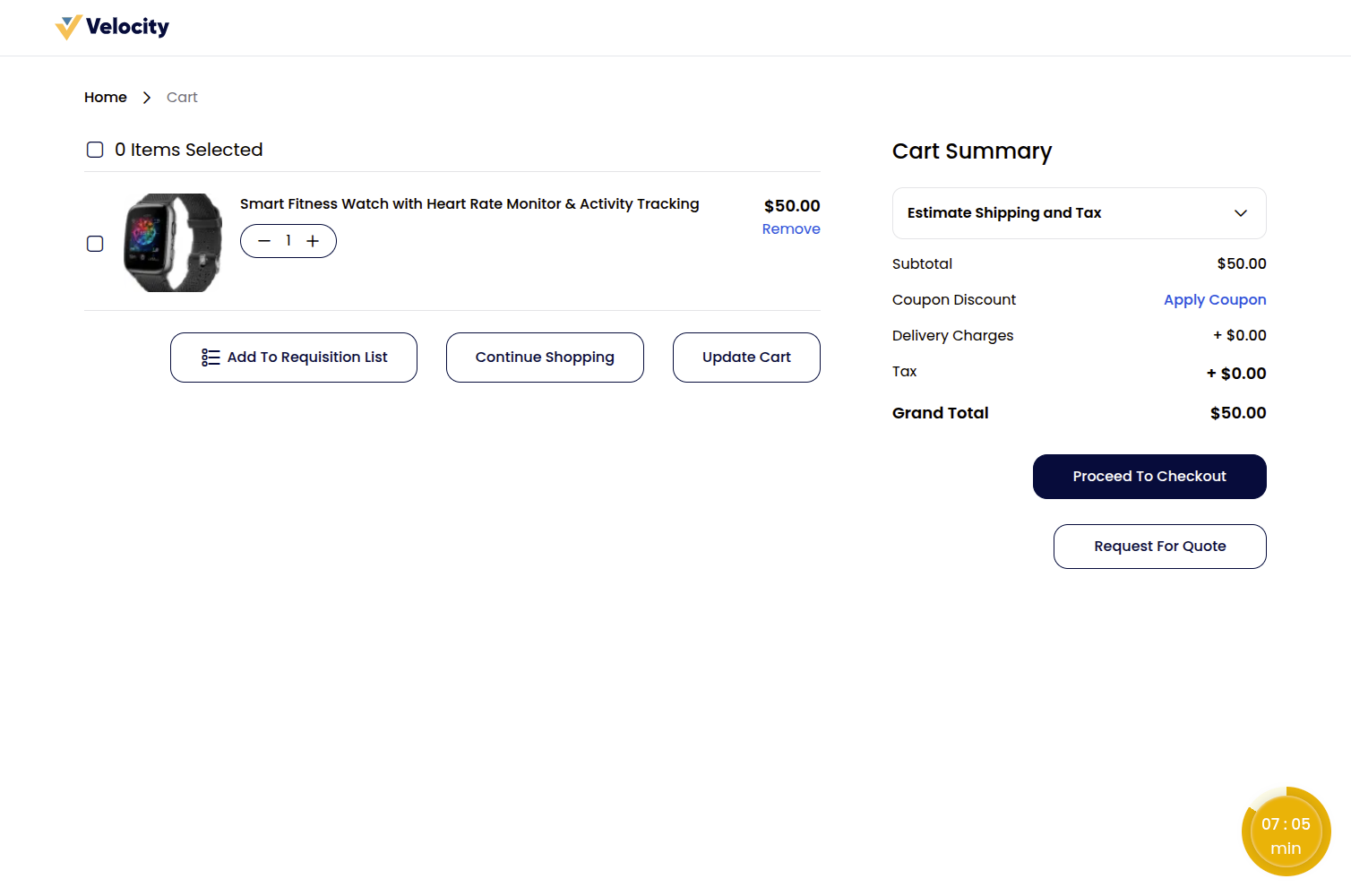
2) Click the Request For Quote button located below the Cart Summary section.
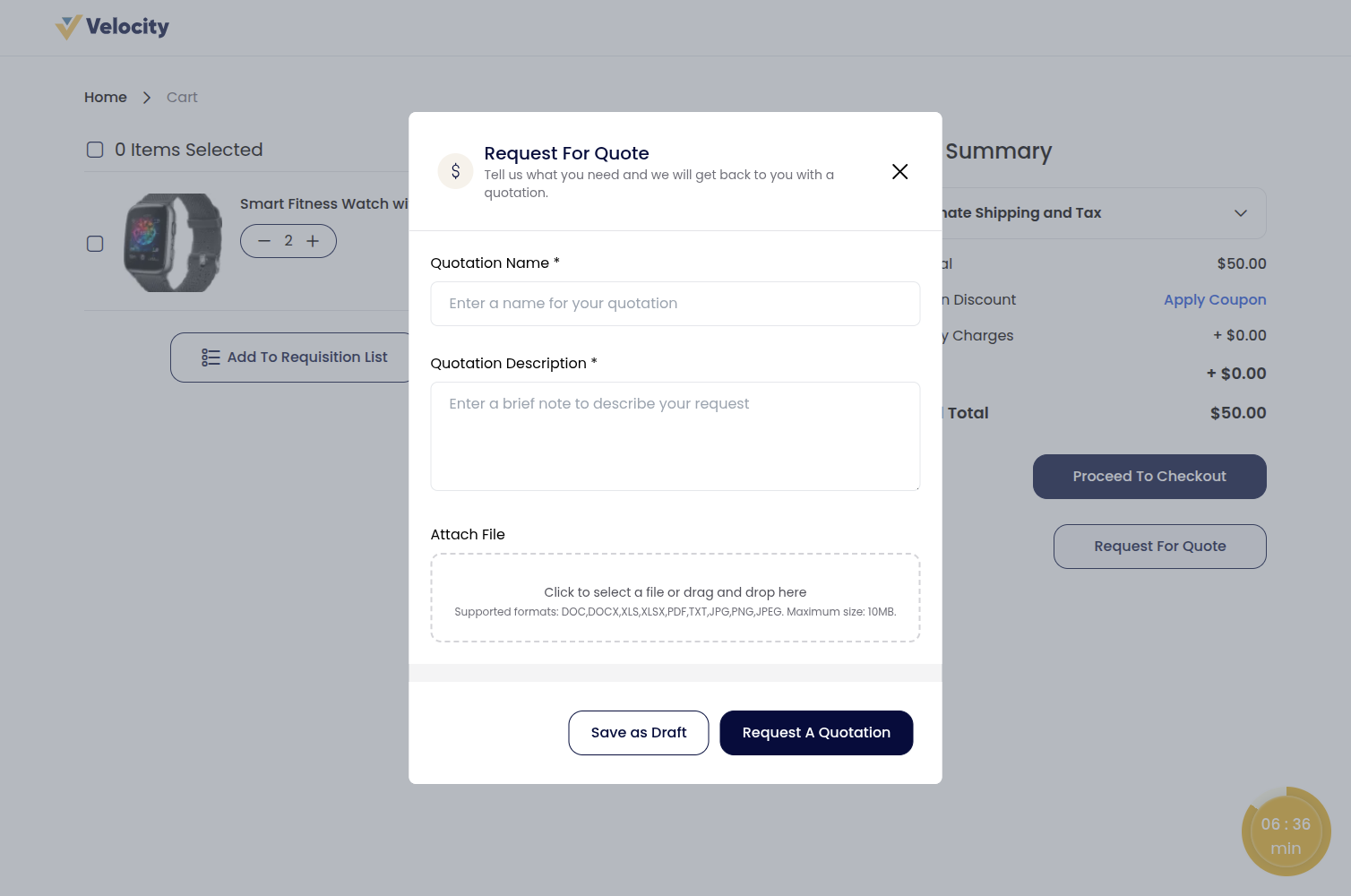
Step: 3 The quotation request form will appear. Fill in the required details:
1) Quotation Name – Enter a name for your quotation.
2) Quotation Description – Add a short note describing your request or requirements.
3) Attach File – Upload any supporting documents or files if required. The allowed file formats and maximum file size are set by the administrator under the Quotations & Purchase Orders configuration.
After entering the details, click Request A Quotation to submit your quotation request. You can also click Save as Draft to save the request and submit it later.
Note: The administrator can set a Minimum Cart Amount required before a quote can be requested. If your cart total is below that amount, you will see a message and the Request For Quote button will be unavailable until the minimum is met.
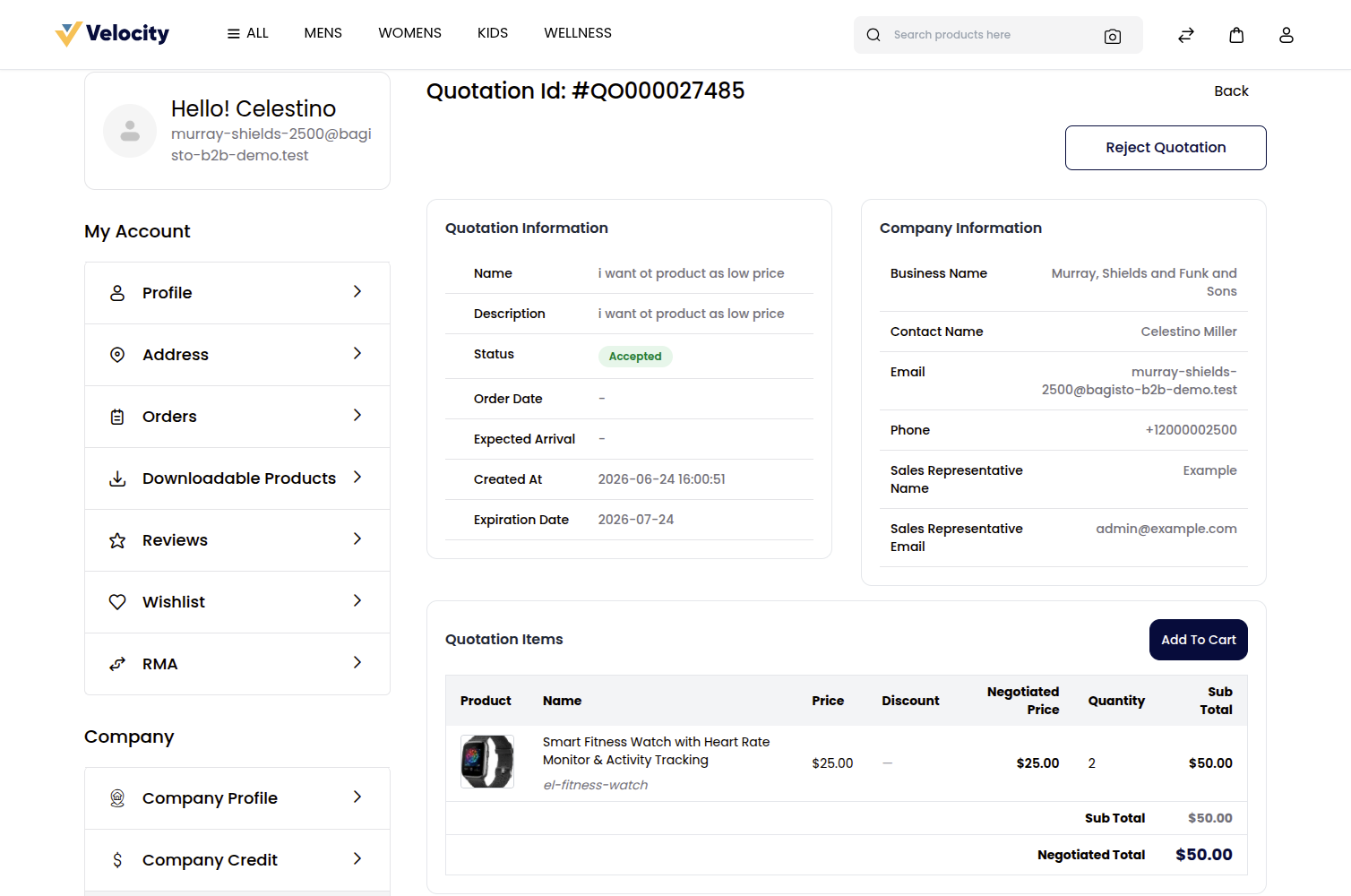
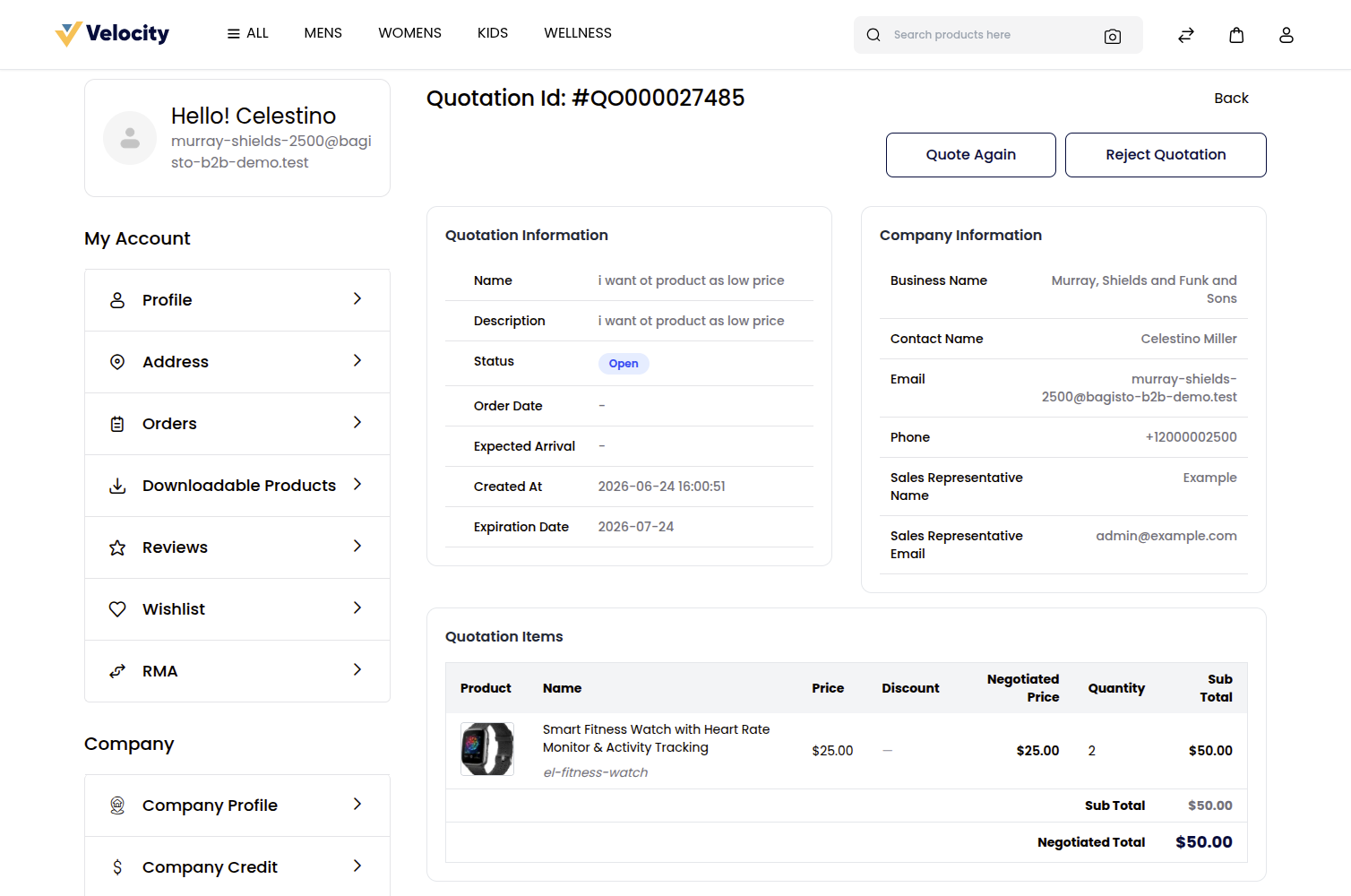
Step: 4 Once submitted, the quotation will be available under My Account → Profile → Quotations, where you can track its status and view quotation details.
Quotation Management (Admin End)
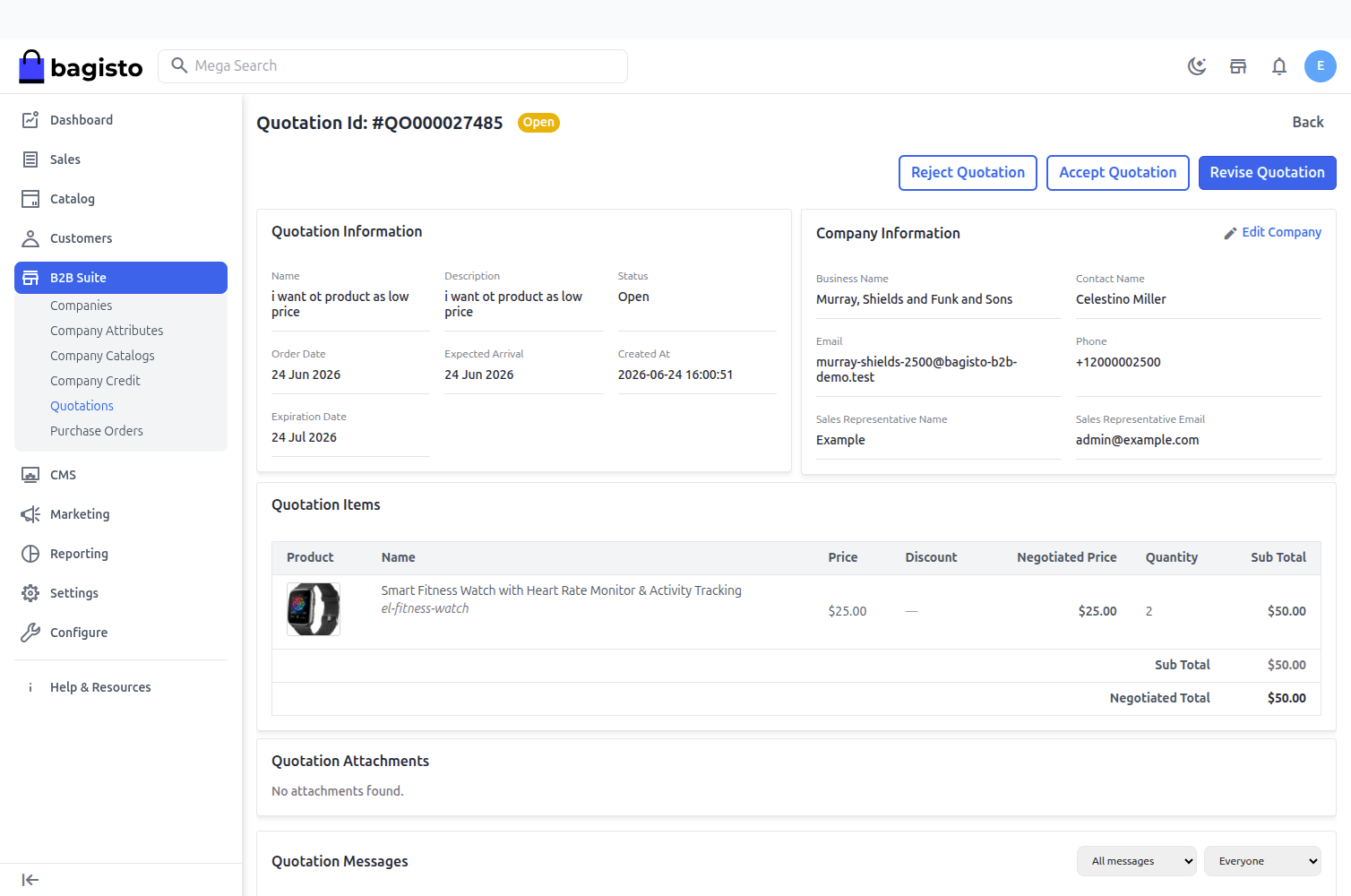
The administrator can review all quotation requests by navigating to B2B → Quotations in the Admin Panel.
The admin can:
- View quotation details.
- Review requested products and pricing.
- Accept a quotation.
- Reject a quotation.
- Negotiate quotation prices with the customer.
Note: Both the customer and the admin can negotiate the quotation until a final agreement is reached.
Complete the Purchase
Step: 5 Once the quotation is accepted, the customer will see the Add To Cart option for the approved quotation.
The customer can add the quotation items to the cart and proceed through the normal checkout process to place the order using the negotiated pricing.