Campaigns
A campaign sends a marketing email to a group of customers on a set day. It brings three things together: the email template to send, the event that sets the day, and the customer group that receives it.
Before you start
- An active email template, created under Marketing >> Communications >> Email Templates with Status set to Active.
- An event, created under Marketing >> Communications >> Events, or the built-in Birthday event.
- Newsletter subscribers. Campaigns go to people who subscribed to your newsletter. See Newsletter subscriptions.
- Scheduled tasks and a queue worker. Campaigns are sent by a daily scheduled task, and the emails go out through a background queue. Your developer or host sets both up for Bagisto. See Scheduled Tasks.
- Email settings. The sender name and address come from Email Settings.
Create a campaign
Go to Marketing >> Communications >> Campaigns.
Click Create Campaign.
Under General, enter the Name.
Enter the Subject, the subject line of the email.
Choose the Event.
Choose the Email Template. The list shows only active templates.
Under Setting, choose the Channel.
Choose the Customer Group.
Switch Status on.
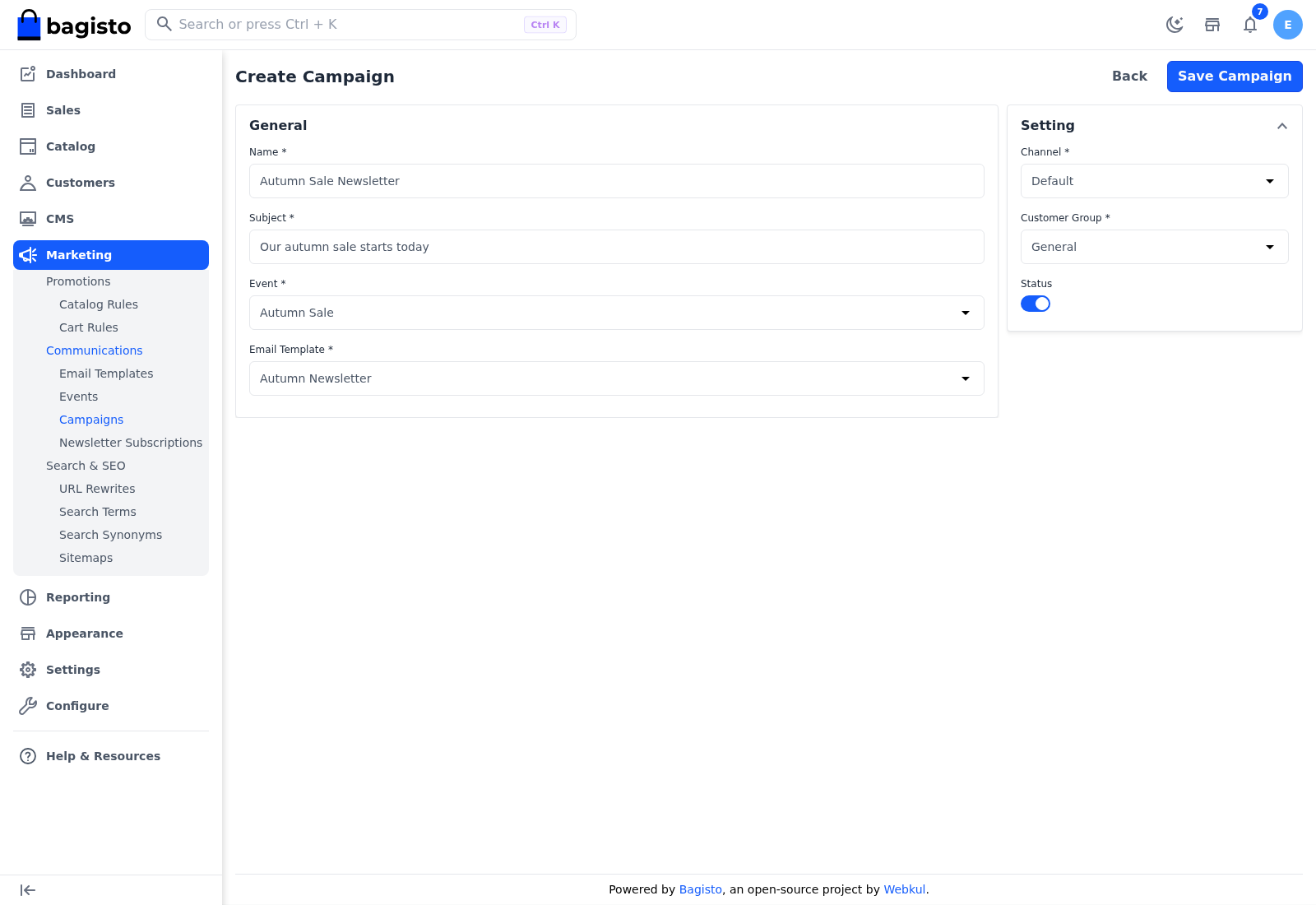
Click Save Campaign.
You see "Campaign created successfully." The Channel doesn't limit who receives the email.
When campaigns are sent
Once a day, at midnight server time, Bagisto sends every campaign that:
- has Status switched on,
- uses an email template whose Status is Active, and
- uses an event dated today, or the Birthday event.
Who receives the email depends on the Customer Group:
| Customer Group | Who receives the email |
|---|---|
| General, Wholesale or another customer group | Customers in that group whose account has the newsletter option switched on |
| Guest | People on the Newsletter Subscriptions list whose entry isn't linked to a customer account |
| General, Wholesale or another customer group, with the Birthday event | Customers in that group whose account has the newsletter option switched on and whose birthday is today |
Someone who subscribed in the storefront footer while signed out counts as a guest until they create an account with that email address. The emails are queued and sent in the background, so a long list can take a while to deliver.
Check the list before a Guest campaign
Before a Guest campaign's event date, open Marketing >> Communications >> Newsletter Subscriptions and delete the entries of people who asked to unsubscribe, rather than only setting Subscribed to False.
There's no test send
To try a campaign, use an event dated today and a customer group that holds only your own test account.
Manage campaigns
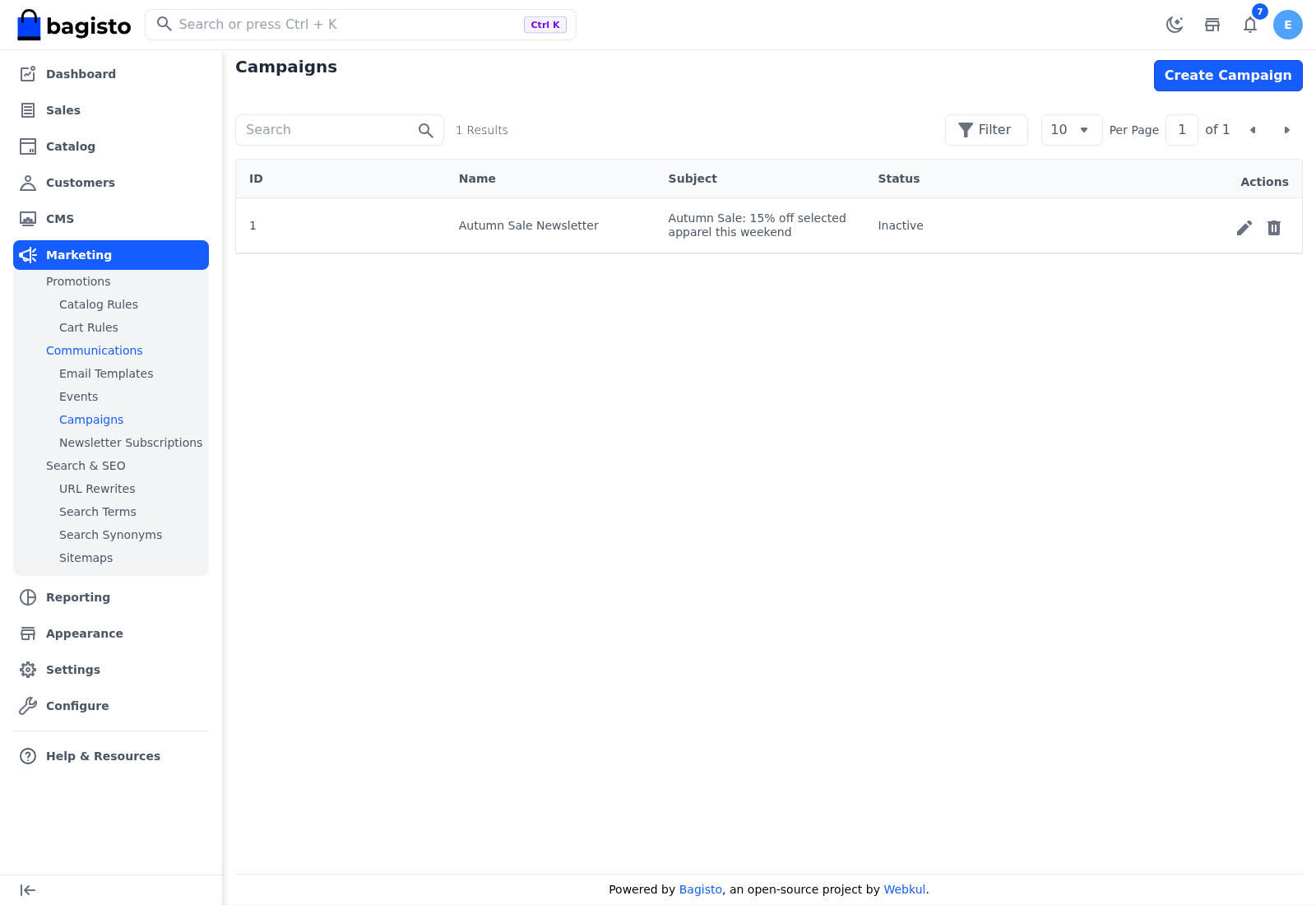
The Campaigns list shows each campaign's ID, Name, Subject and Status, with icons to edit and delete it. To stop a campaign without deleting it, open it and switch Status off.