
Storefront
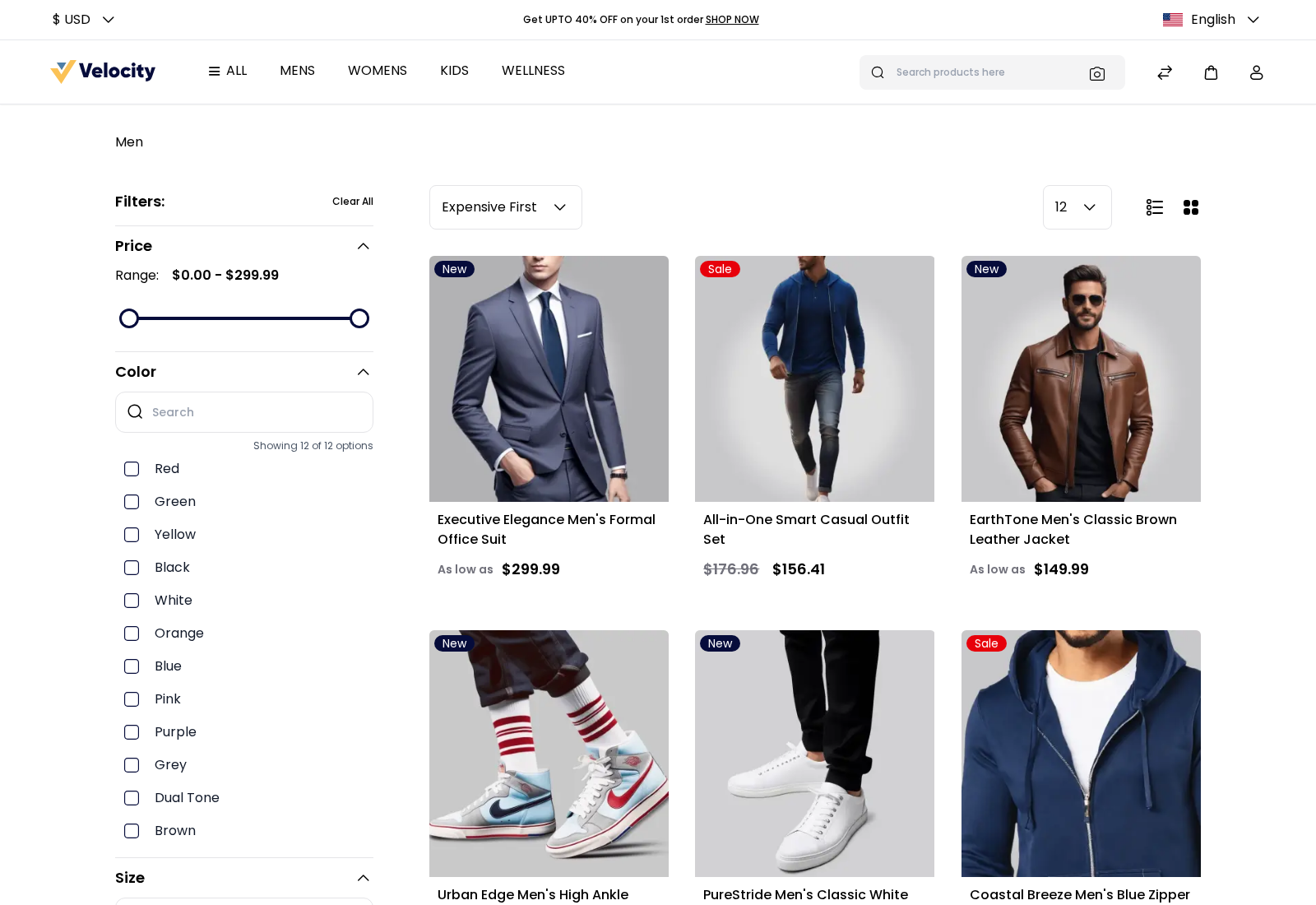
The Storefront section decides how products are listed on category and search pages when a shopper first opens them.
- Go to Configure >> Catalog >> Products.
- If your store has more than one channel, choose the channel at the top of the screen.
- In Storefront, choose the Default List Mode.
- Enter the Products Per Page.
- Choose the Sort By order.
- Click Save Configuration.
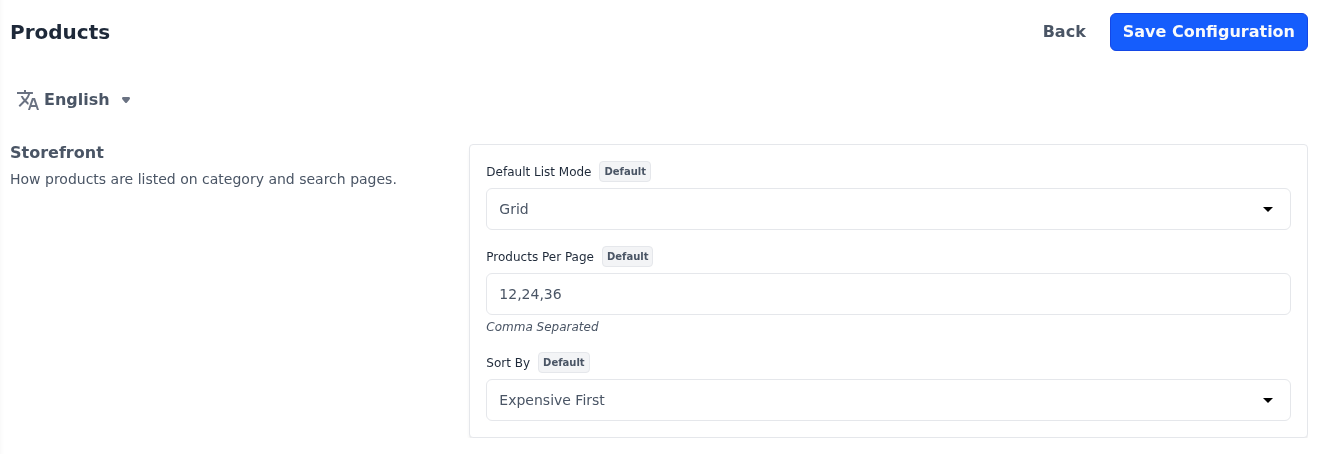
All three settings are per channel.
Default List Mode: Whether products are first shown as a Grid of cards or a List of rows. Shoppers can switch between the two on the page. If it's not set, Grid is used.
Products Per Page: The page sizes shoppers can choose from, separated by commas, such as 12,24,36. The first value is used until a shopper chooses another. If it's empty, shoppers choose from 12, 24, 36 and 48.
Sort By: The order products are listed in until a shopper chooses another: From A-Z, From Z-A, Newest First, Oldest First, Cheapest First or Expensive First. If it's not set, Expensive First is used.
Differences in Bagisto 2.4
In Bagisto 2.4, this section also holds Allow customers to directly buy products, which is in Product View Page in Bagisto 2.5. The search settings of the Bagisto 2.4 Search section are under Search Engines in Bagisto 2.5.