General
The General screen holds two basics: the unit product weights are entered in, and whether storefront pages show breadcrumbs.
Unit options
Weight Unit is saved per channel, so choose the channel at the top of the screen first when your store has more than one. It is kgs by default.
- Go to Configure >> General >> General.
- In Unit Options, choose the Weight Unit: lbs or kgs.
- Click Save Configuration.
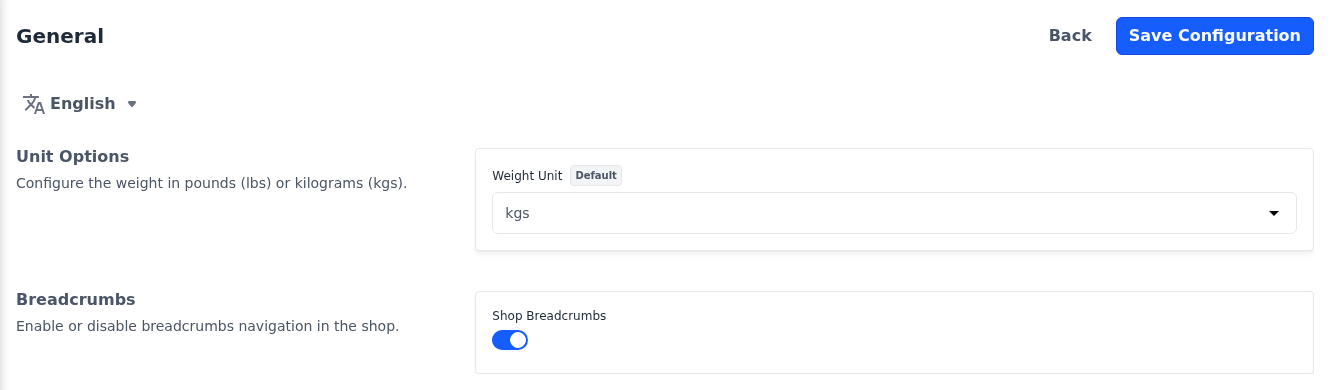
Enter every product weight in the unit you choose. Changing the unit later doesn't convert the weights you have already entered.
Breadcrumbs
Breadcrumbs are the trail of links, such as Home followed by the product name, at the top of a storefront page. Shop Breadcrumbs decides whether they are shown on the product page, the cart, the checkout, the compare page and most customer account pages. It applies to every channel and is on by default.
- Go to Configure >> General >> General.
- In Breadcrumbs, switch Shop Breadcrumbs on or off.
- Click Save Configuration.