
EU Withdrawals
EU withdrawals let customers withdraw from a purchase online, as the EU requires for consumers under Directive (EU) 2023/2673 (Article 11a of the Consumer Rights Directive). The feature is turned on per channel. How customers withdraw and how you handle withdrawals is described in EU Withdrawal.
Turn on EU withdrawals for a channel
- Go to Configure >> Sales >> EU Withdrawals.
- If your store has more than one channel, choose the channel at the top of the screen.
- In General, switch Enable on.
- Click Save Configuration.
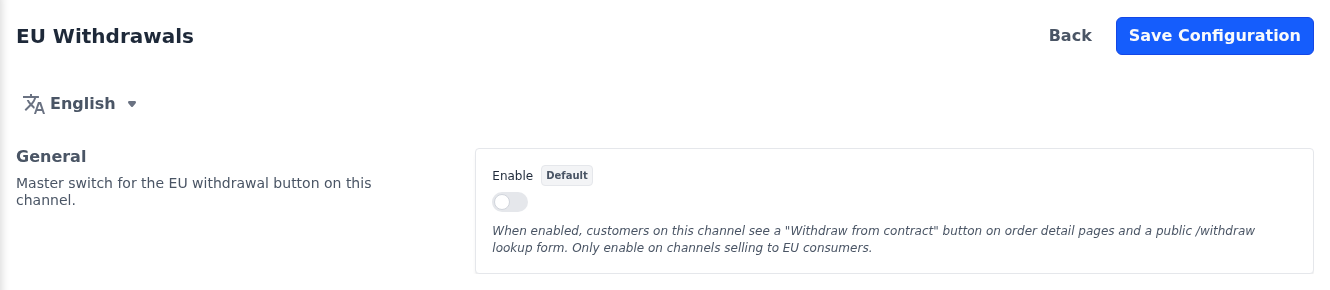
It's off in a new store. Turn it on only for channels that sell to consumers in the EU.
What changes on the storefront
- Customers see a Withdraw from Contract button on their order pages, or View your withdrawal once they have withdrawn.
- Guests see a Withdraw from a Contract link in the profile menu of the storefront header on desktop screens. It opens a form where they look up their order. When the order number and email address match a guest order placed on the same channel, they receive an email with a link to withdraw, valid for 24 hours.
- While Enable is off, the button and link are hidden, and the withdrawal forms of the channel, including the guest lookup form, show a "not found" page. Receipts of withdrawals already submitted still open, and the withdrawals stay in Sales >> EU Withdrawals.